
OK, first thing’s first, I am not a huge fan of AI. At the same time, I find it insanely useful; not in the way students sometimes use it to dodge learning, but in the way it can handle tasks that sit well outside my skill set or that do not require deep conceptual understanding.
For example, I need to know how to write, and I need to keep that muscle strong. I cannot hand that over to AI without risking stupefying myself. Lesson planning is the same. It is a core part of the craft where we wrestle with ideas, curriculum and intent. AI-generated lessons tend to feel generic and flat; a kind of educational paint by numbers. That reflective, creative process is where a lot of our professional value sits, and I do not want to outsource that.
There is a whole post coming about the contradiction between teachers using AI and students using it. It is a strange but valid tension.
Recently, a colleague, Simon, introduced me to Claude.ai as a tool for making small classroom apps. This is exactly the sort of area I have no interest in learning properly, and where my need is non-critical. Simon made a fantastic multi-exam timer that is perfect for schools like ours that run IB papers where Higher and Standard Level exams overlap. You can see his version here.
I like Claude, and those of its kind. It opens up access to tools that would otherwise be out of reach for teachers without coding skills or a budget. However, there are areas I would not hand over; spreadsheets, for example. That is a genuine part of my creative and analytical skill set as a Head Teacher. Using AI for that would dull my edge. I have noticed the AI effect already in myself and others; the more you use it, the less you flex the muscles that matter. Spreadsheets, for me, are also collaborative artefacts. They invite shared ownership and peer input, which AI shortcuts can quietly erode.
Lately, our students have been heading into exam season. They have been generating practice questions through ChatGPT, bringing them in for feedback, and working through past HSC and IB papers under timed conditions. One challenge they keep hitting is managing time across different sections.
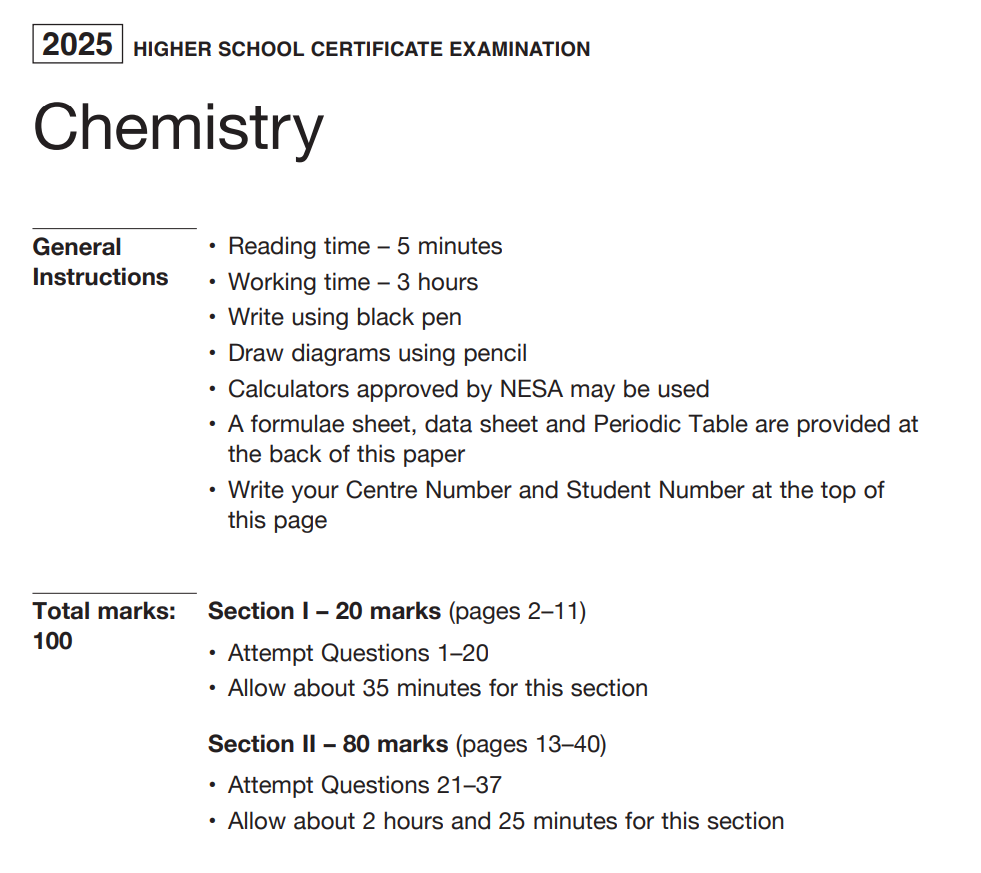
So, with Claude’s help, I built a small app to do that for them: an Exam Timer that lets you structure a paper into sections and manage time visually. You can try it here.

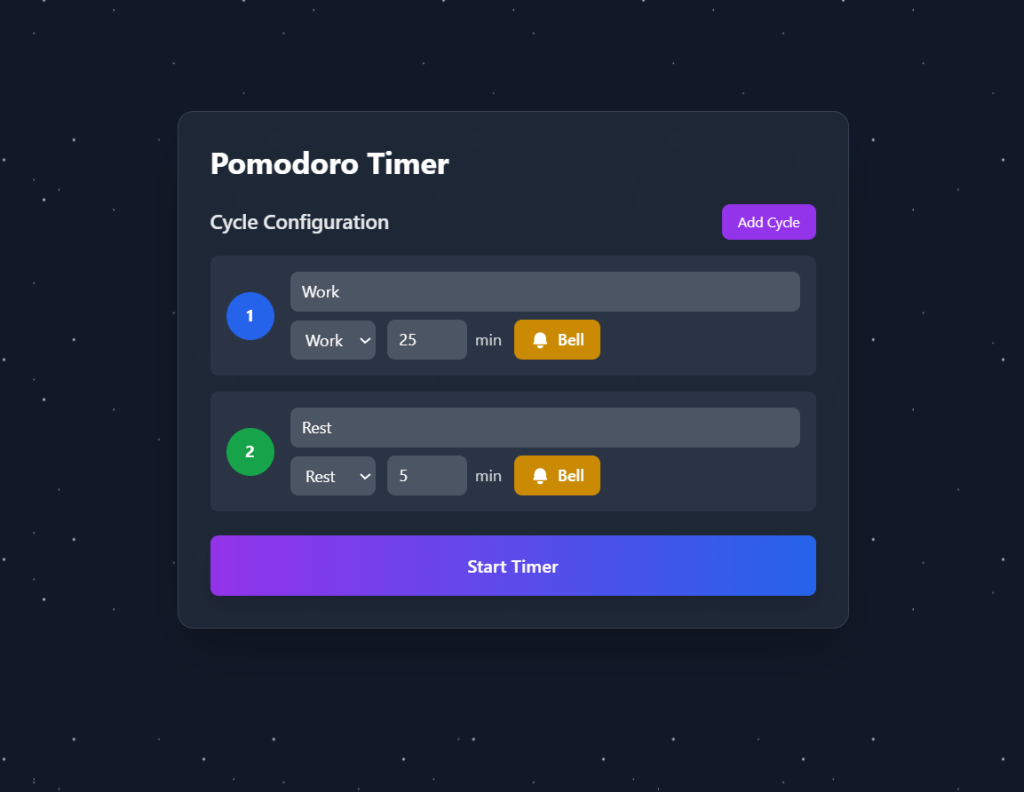
Another recurring issue is study rhythm. Students love a Pomodoro timer, and for good reason. As someone with ADHD, I know the danger of hyperfocus; you work until you crash, then you resent the work. I had made a YouTube Pomodoro timer before, complete with space music, but it was rigid and still left students in the distraction trap that is YouTube.
So, enter The Whiting Pomodoro Part Two, built with Claude. It is flexible, customisable and available here.
Of course, there are downsides. I will never truly learn how to build these tools, but I was unlikely to anyway. I also have no idea what the environmental cost of my tinkering might be, which makes me cautious about when and why I use it. Finally, it is not totally free; like all AI platforms it has usage limits, though they seem generous. Claude maxed out on me after making these two apps, but the reset time was only a few hours.
So yes, I like it. Used intentionally, AI can open doors we did not even know existed. But the old-fashioned stuff still matters. Learn to do your own spreadsheets.
 Mr van W's Class
